Music licensing coverage in the United Kingdom is available as an optional add-on for your Live365 station. Expand your global reach, remove geo-blocking, and welcome listeners across the UK effortlessly with our flexible UK Licensing plans.
What does the UK Licensing add-on include?
The UK Licensing add-on provides performance and mechanical music licensing coverage in the United Kingdom through Live365’s official agreements with PPL and PRS for Music.
Enrolling in the add-on instantly removes geo-blocking for listeners in the UK and its territories, allowing your stream to be heard across the Live365 Directory, web players, and custom mobile apps.
- TuneIn Distribution Eligibility: Stations with both an active TuneIn On Air add-on and an active UK Licensing add-on are eligible for UK distribution on the TuneIn platform.
- Metadata Compliance: Full licensing coverage relies on accurate, real-time Artist, Title, and Album metadata for every track played. Refer to our guide on The Importance of Accurate Metadata in Live365 for best practices.
UK Licensing Plans and Pricing Tiers
Each tier includes a dedicated monthly allowance of UK Total Listening Hours (TLH). As your station grows, upgrading to higher tiers unlocks additional included TLH and significantly lower overage rates.
Important: UK TLH is tracked separately from your base Live365 package listening hours. Only one UK add-on can be active per station at a time – upgrading or changing tiers updates your existing UK plan.
| Tier | Monthly price | Included UK TLH | Overage per hour |
| Lite | $17.99 | 150 | $0.12 |
| Starter | $29.99 | 500 | $0.11 |
| Scale | $169.99 | 1,800 | $0.07 |
| Pro | $329.99 | 5,000 |
Note: One listener streaming for one hour equals one TLH. Overages beyond your monthly allotment are billed at the end of your UK billing period.
How to order
- Log in to your Live365 Dashboard.
- Select the station you want to add coverage to.
- Navigate to Billing in the left side navigation bar.
- Click the Get add-ons button.

- Under UK Licensing, select your preferred tier.
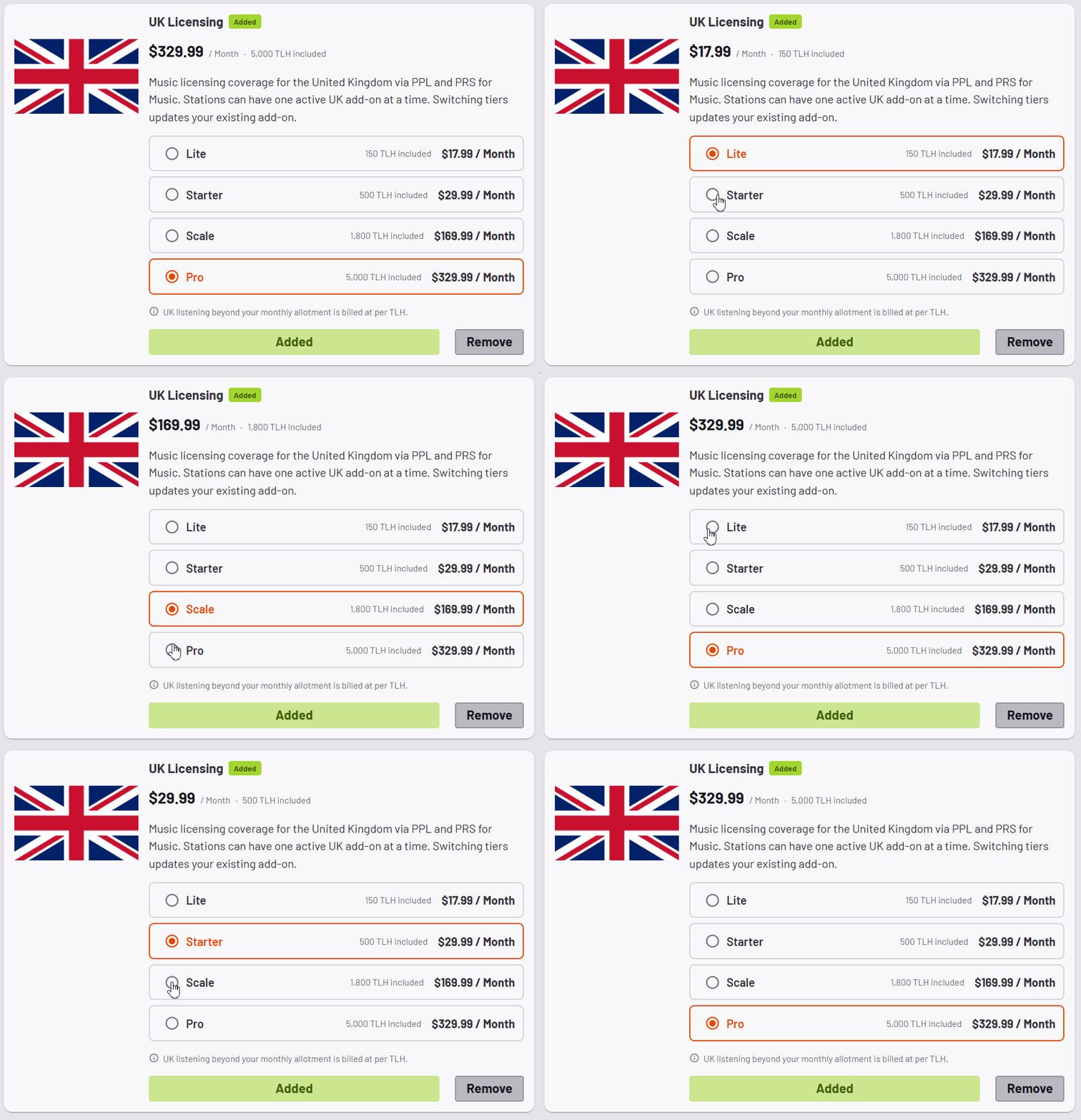
- Click Next to review your order and complete payment.
For a broader overview of how our coverage works across regions, see What Licensing coverage does Live365 provide?
Have questions? Contact our Support team at help@live365.com or submit a support ticket.