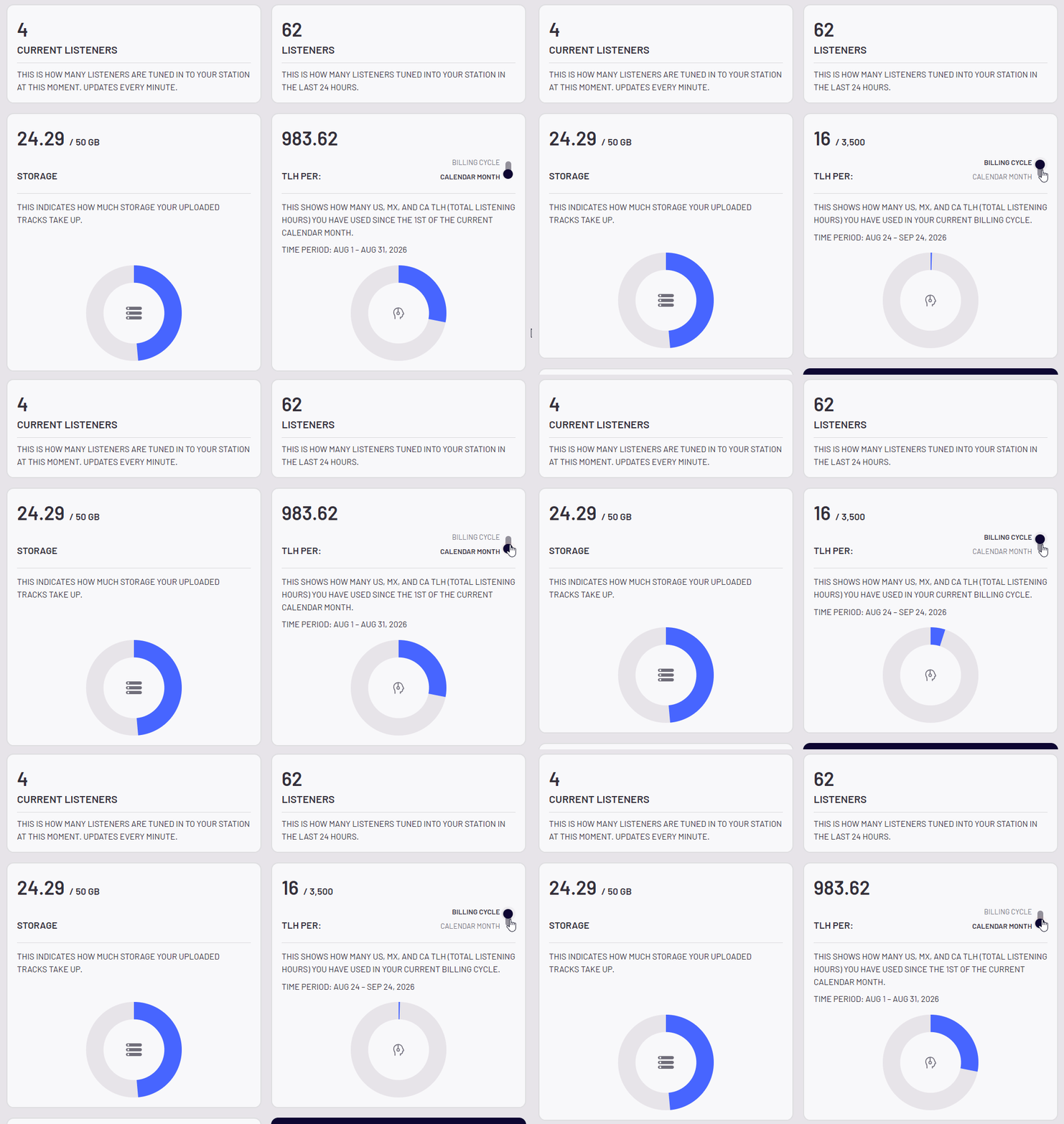
Your monthly Total Listening Hour (TLH) usage refreshes automatically at the start of your billing cycle.
Standard Package Billing Cycles
Your standard package TLH allowance resets on the exact date your monthly subscription renews.
Example: If your billing cycle starts on the 15th of the month, your TLH will reset on the 15th of the month.
Analytics Tip: You can toggle between your current Billing Cycle usage and calendar Month-to-Date (MTD) usage anytime inside your Analytics dashboard.
UK Licensing Add-on Billing Cycle
If you are subscribed to the UK Licensing Add-on, your UK TLH allowance operates on its own cycle based on the date you activated the add-on.
- Separate Billing Cycles: Your UK TLH resets on the day of your UK add-on start date, which may differ from your main package billing date.
How to Check Your UK Usage
Automated notifications do not apply to UK listening. To track your current UK TLH balance manually:
- Go to Dashboard > Analytics
- Select Historical
- Set the date range to match your UK add-on billing period
- Scroll to Listeners by Country and select See All to view your total UK hours.